
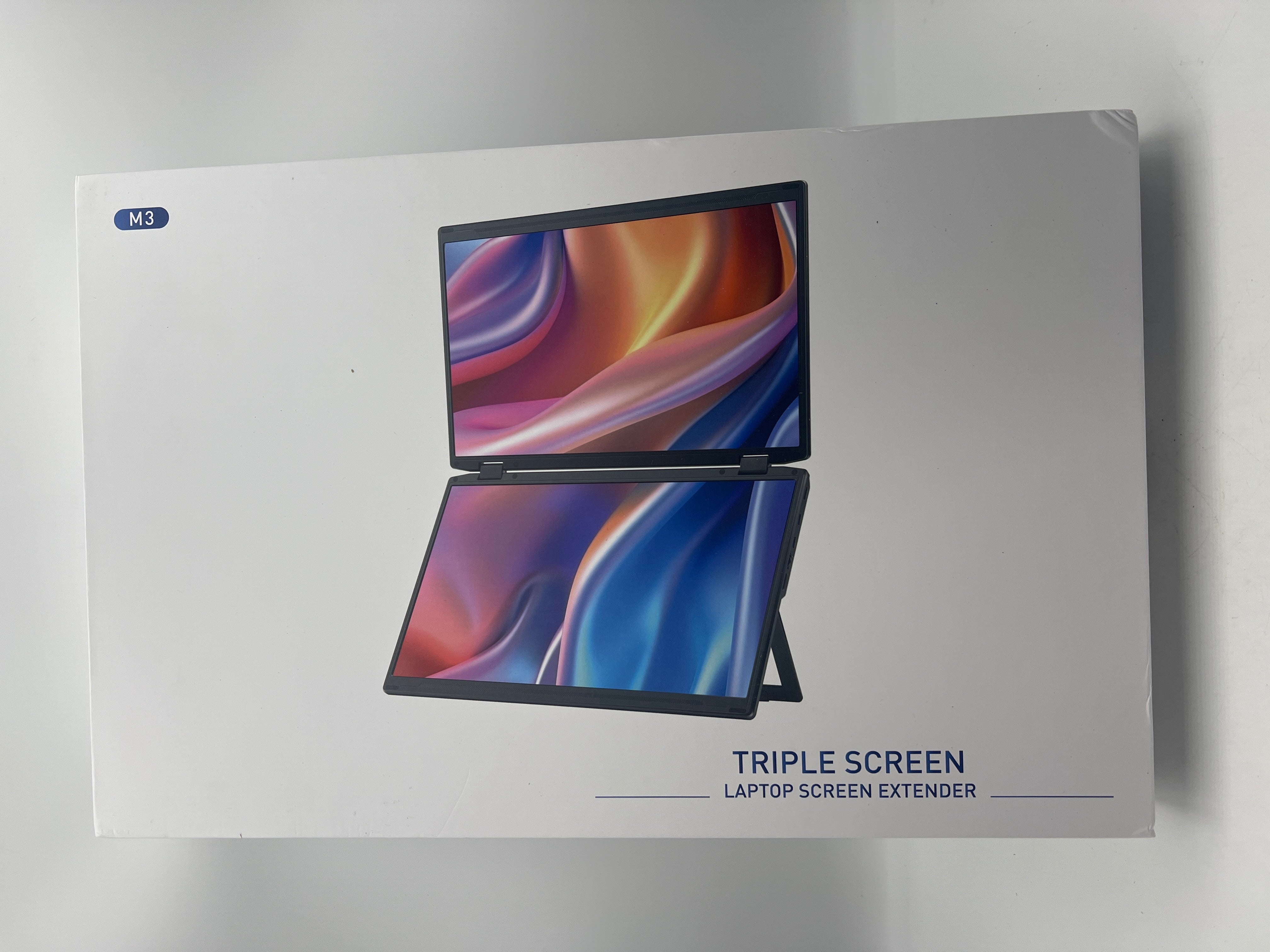
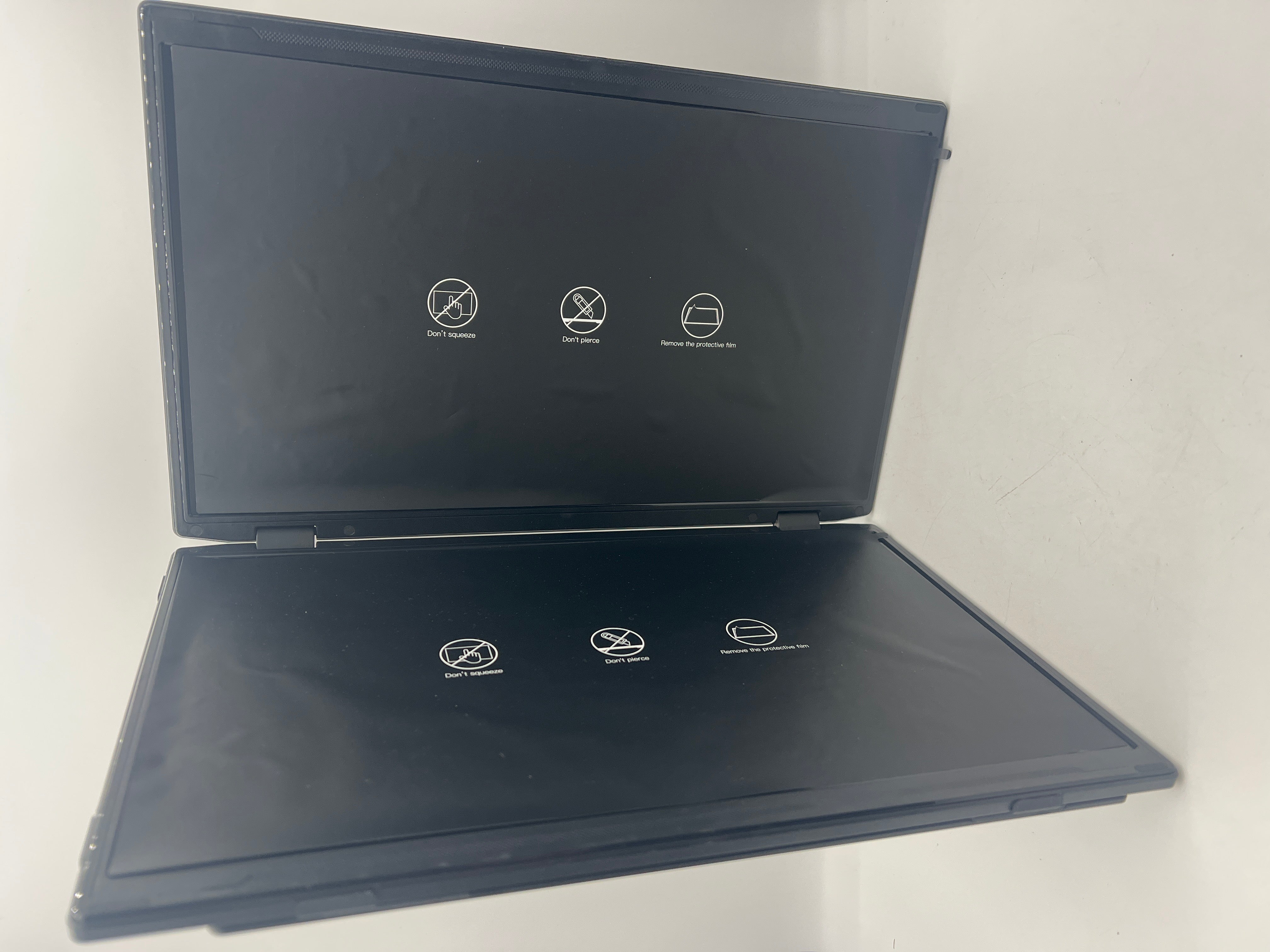


Maxfree M3 Laptop Screen Extender – 15.6" 1080P FHD Portable Dual Monitor with Type-C & HDMI
Ask a question
Estimate delivery times: 3-7 days.
Return within 30 days of purchase.
Guaranteed Safe Checkout
Maxfree M3 Laptop Screen Extender – 15.6" 1080P FHD Portable Dual Monitor with Type-C & HDMI
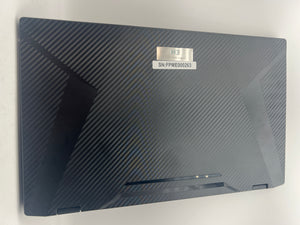
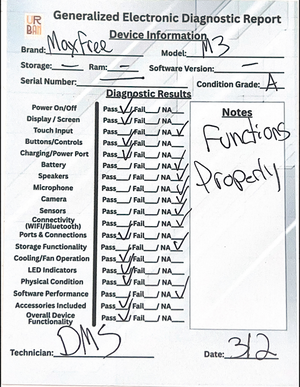
Condition: Open Box, Grade A. Device Functions Properly. All Pieces Included.
Boost your productivity anywhere with the Maxfree M3 15.6" 1080P screen extender. This compact dual monitor plugs in quickly and easily to most laptops, PCs, and even some mobile devices. Enjoy an instant second screen with no drivers needed for most systems, keeping things simple and fast.
The Maxfree M3 is a portable monitor made for convenience. It works with Windows and Mac, supporting M1, M2, and M3 chips, plus many Android devices. Gamers can use it with PlayStation 4, Nintendo Switch, and other HDMI-compatible consoles. Check your device compatibility before setup for the best experience.
This monitor has a brilliant 15.6-inch Full HD display. You get crisp details and amazing color with its IPS matte panel and 120% sRGB color range. The 60Hz refresh rate is smooth, and the anti-glare screen limits reflections. Low blue light technology makes long work sessions easier on your eyes, so you can stay focused longer.
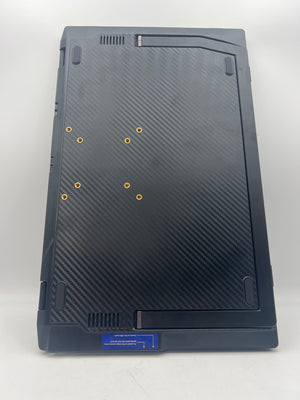
Taking the Maxfree M3 with you is simple. The screen folds down, protecting the display and making it easy to slip in your bag. The aluminum frame is light, yet strong, so it stands up to travel. Its slim profile fits most laptop cases, and all necessary cables are packed in the box for quick starts. The built-in stand and VESA mounting points let you set up just the way you like.
Connecting is easy. With a fully functional USB-C port, power and video use just one cable. If you use older laptops, connect with the included HDMI and USB-A to USB-C cables. The Maxfree M3 supports extend, mirror, and portrait modes for all your multitasking needs. Share presentations, code, or documents in a snap.
This extender is built for flexibility. The screen rotates up to 235° horizontally and 90° vertically. You can collaborate, share your screen, or adjust for your preferred angle. The matte finish stays fingerprint-free even after a busy workday.
User reviews highlight the Maxfree M3’s strong display quality, easy installation, and robust frame. Setup instructions are clear, so you spend less time figuring things out and more time working. Some users mention that screen resolution may need tweaks for best results. Double-check device ports before traveling, and handle the extender with care to keep it like new.
This monitor works well for business, school, or play. Students can follow online lectures on one screen and take notes on another. Designers and coders get more room for programs, lowering the need to switch tabs. Presenters enjoy simple second-screen sharing at meetings. Gamers can see more action, or keep an eye on chats during streams.
The Maxfree M3 makes your workspace bigger wherever you go. Digital creators, mobile professionals, presenters, and remote workers will benefit most from the reliable monitor performance in any setting. The fashionable aluminum body and sturdy hinge system offer long-lasting use. Cleaning is easy with a simple microfiber cloth due to the anti-smudge surface.
You may want to know:
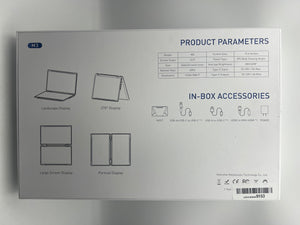
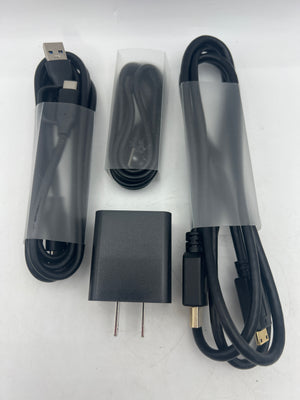
- What comes in the box? Each package includes the Maxfree M3 screen extender, all cabling for USB-C, HDMI, and USB-A to USB-C connections, and user instructions. You won’t need to search for extra parts.
- Is driver installation needed? Most modern devices need no extra drivers. MacBook models (M1, M2, M3 chips) and modern Windows laptops can connect right out of the box. For some older setups, check our USB compatibility guide or manufacturer support.
- Will it work with my MacBook Pro or Air? The Maxfree M3 supports MacBook Air and Pro (M1, M2, and M3), with true plug-and-play ease. You can extend, mirror, or rotate your display for any workflow. Mac users usually need only a single USB-C cable, but always check your specific model.
- What are the best ways to use the Maxfree M3? For mobile professionals, expand spreadsheets or documents. Creatives can dedicate the second screen to palettes or toolboxes. Gamers may monitor streams while playing. Students split their workflow between research and writing.
Frequently Asked Questions (FAQ)
-
Question: Is the Maxfree M3 compatible with MacBook models featuring M1, M2, and M3 chips?
Answer: The Maxfree M3 is compatible with most current MacBook Air and MacBook Pro models that use M1, M2, or M3 chips. Plug the device into a USB-C port and the screen extender should activate without extra steps. On rare occasions, very old macOS versions may prompt for settings changes, but you will not need to download drivers. Mac users expand their workspace easily, whether at home or in the office. You should check your MacBook’s ports and update your operating system for best results. -
Question: What display modes does the Maxfree M3 support?
Answer: The Maxfree M3 offers several display options. Extend mode lets you use two screens side by side for multitasking. Mirror mode duplicates your laptop’s display, which is helpful for presentations or sharing with others. Portrait mode allows the screen to rotate vertically, making it perfect for reading long documents or coding. Switching between display modes is easy and helps users match screen setup to different tasks, boosting productivity and convenience. -
Question: How does the Maxfree M3 connect to devices without a USB-C port?
Answer: Devices without USB-C can use the screen extender with the included HDMI and USB-A to USB-C cables. HDMI transmits video, while USB-A provides power. This makes the Maxfree M3 work with older laptops, desktop PCs, and certain gaming consoles. Setup is simple and usually takes less than a minute. Follow the provided manual for cable connections to avoid confusion. Compatibility checks before purchase are important to ensure your device is supported.
In summary, the Maxfree M3 screen extender is a portable, easy-to-use monitor for expanding your workspace or enjoying entertainment. Its lightweight frame, durable build, and sharp visuals make it a smart choice for technology lovers and working professionals. See more portable monitor options in our electronics collection. For more technical background, visit monitor basics on Wikipedia.
Keywords: Maxfree, screen, extender, monitor
Our happy customers
Real reviews from real customers


