
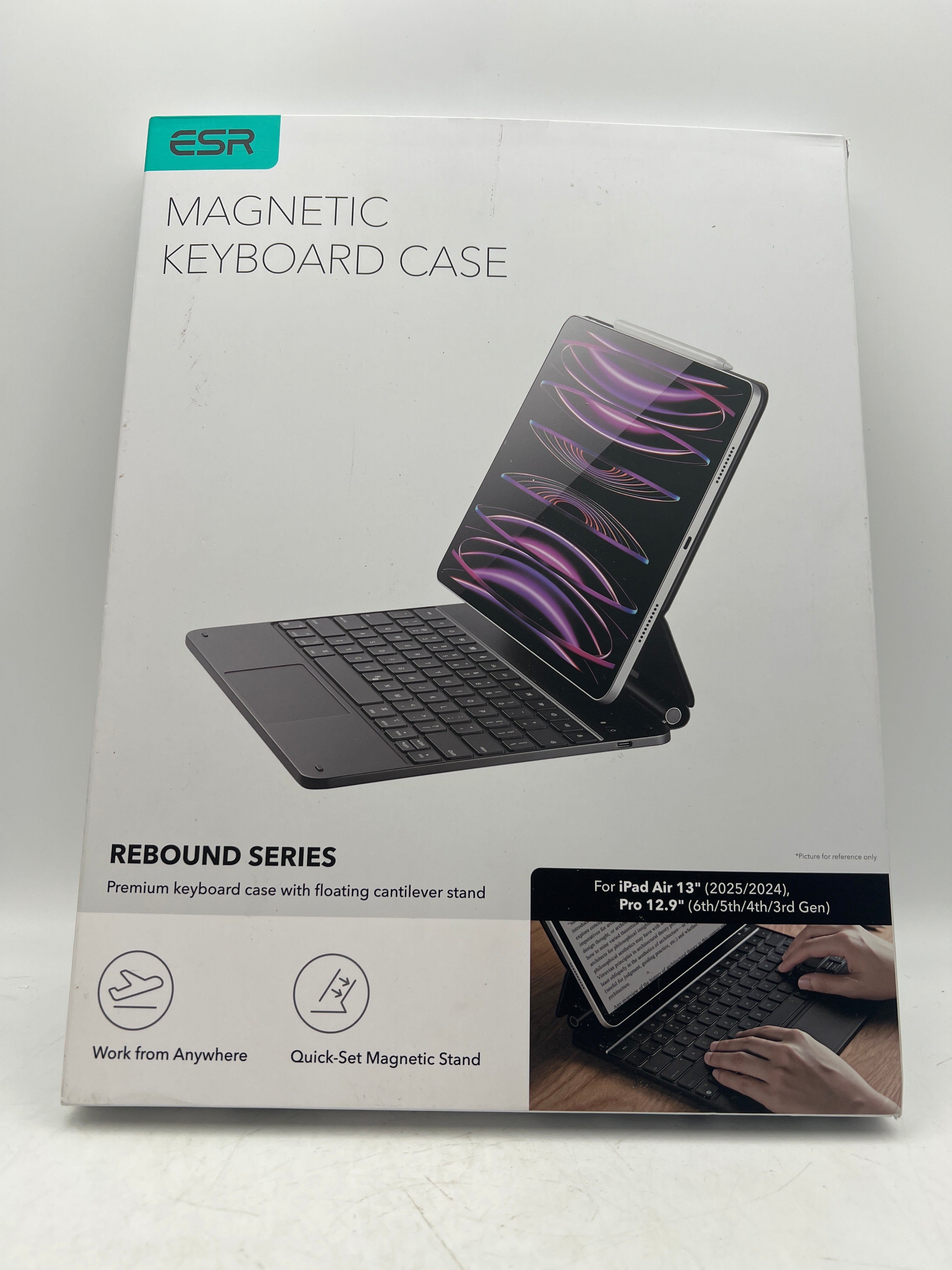


Upgraded iPad Air 13 Inch Case Keyboard M4/M3/M2 (2026/2025/2024) with Multi-Touch Trackpad
Ask a question
Estimate delivery times: 3-7 days.
Return within 30 days of purchase.
Guaranteed Safe Checkout
Upgraded iPad Air 13 Inch Case Keyboard M4/M3/M2 (2026/2025/2024) with Multi-Touch Trackpad
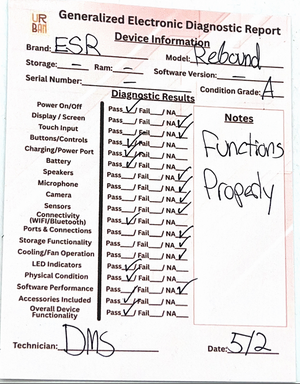
Condition: Open Box, Grade A, Functions Properly, No Sign Of Damage
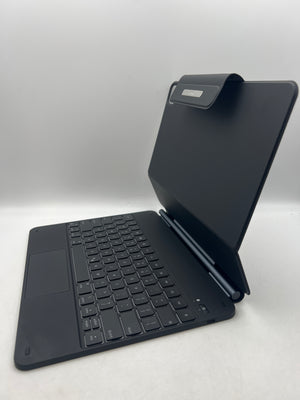
Boost productivity on your iPad Air 13-inch with the ESR Rebound 360 Series Keyboard Case, crafted for M4, M3, and M2 models from 2026, 2025, and 2024. Designed for seamless integration, this case gives you simple keyboard access and strong device protection.
This magnetic stand case offers instant setup. Open the stand, and the powerful magnets lock your iPad in place. Adjust the angle easily for comfortable typing or quick browsing, whether at a desk or traveling.
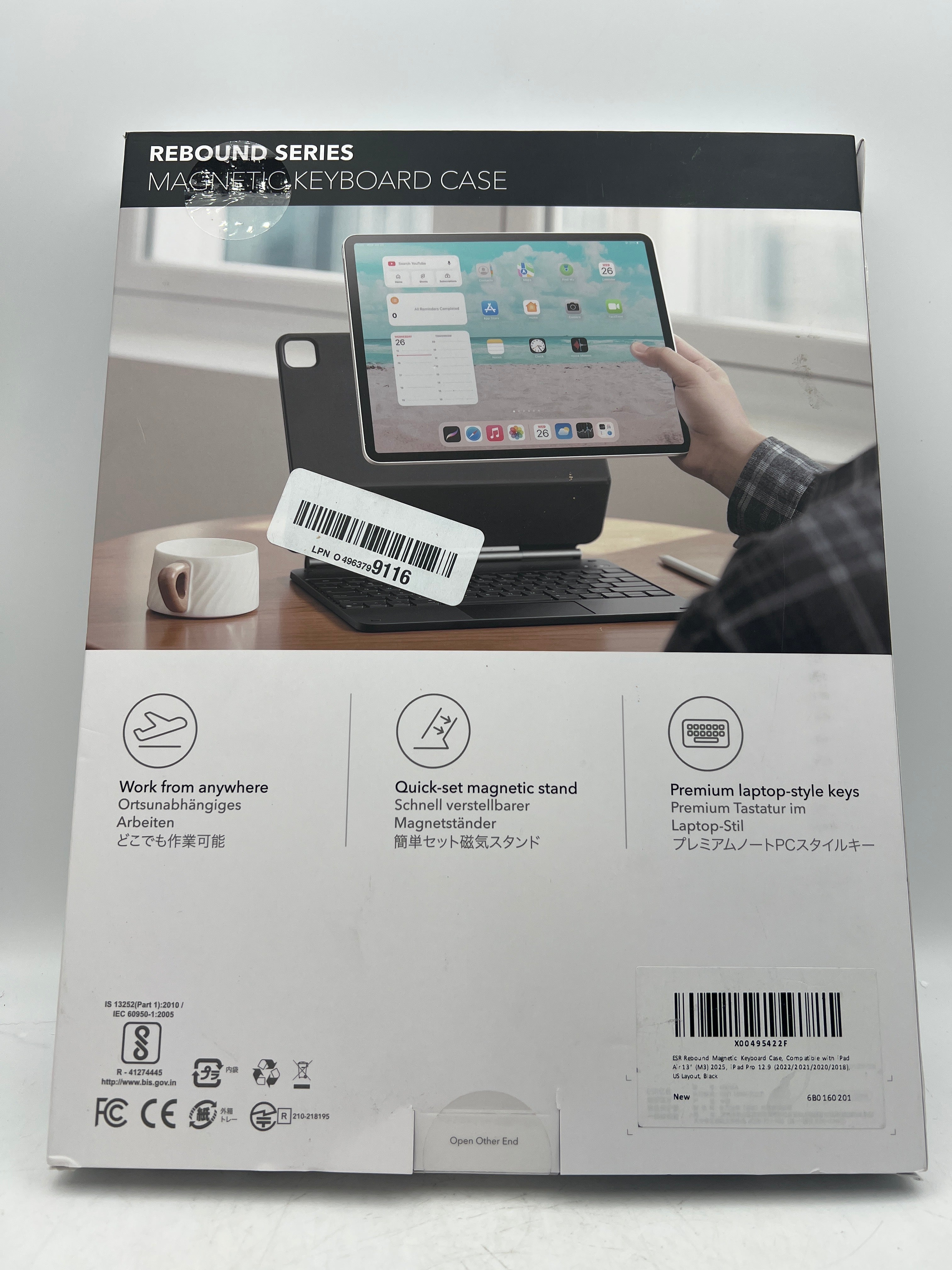
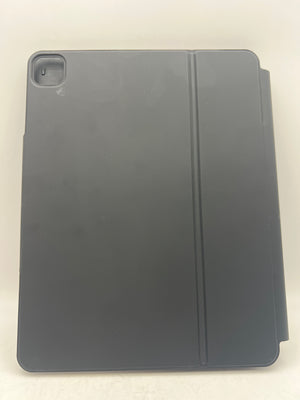
The detachable back case adds crucial versatility. Use it for full device protection, or remove it to lighten your load. Switch between landscape for typing or raised viewing, and portrait for video calls and reading ebooks. The design supports a personalized experience tailored to how you use your iPad.
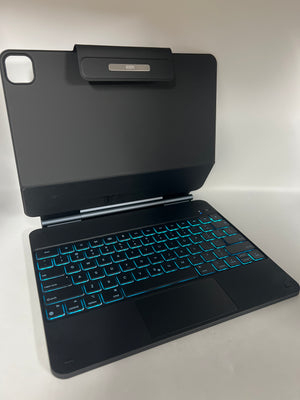
Navigation is smooth with the built-in multi-touch trackpad. Use familiar iPadOS gestures to scroll, zoom, or switch apps. This trackpad transforms your tablet into a true productivity tool, giving you laptop-like control. Editing, browsing, and multitasking are all much easier.
The keys offer a precise, enjoyable typing experience. Each key is backlit, so you can type confidently in the dark or low light. Connect with Bluetooth in seconds and rely on the long-lasting battery for busy days. Recharging is fast and easy with the included USB-C cable. The keyboard stays ready, so you stay productive.
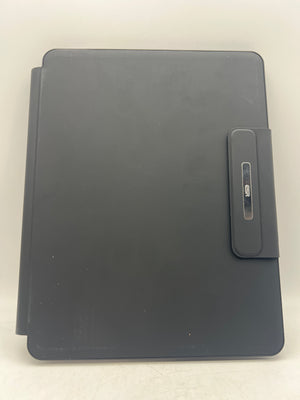
Durability is guaranteed. The hard polycarbonate back absorbs shocks and resists cracks, while flexible sides and reinforced corners protect from drops and bumps. The magnetic clasp for your Apple Pencil or stylus keeps your accessories attached and secure, solving the issue of misplaced pens.
The ESR Rebound 360 Series Keyboard Case is made for specific iPad Air 13-inch models (M4, M3, M2), covering releases from 2026, 2025, and 2024. Every feature, button, and port is easy to access. You never have to remove the case to use any function of your iPad.
Take your device further with more than just typing and protection. This keyboard case enhances how you work, watch, create, and connect. Ideal for students, professionals, or anyone who needs a flexible tablet setup at work or home. Its style is sleek, and its engineering meets modern tech needs.
Upgrade your daily workflow with elevated ergonomics and control. The magnetic stand lets you set multiple viewing angles, so eye strain and neck pain are reduced during long typing sessions. Work for hours, write reports, or attend virtual meetings in comfort.
This case is also a smart investment. The tough materials and secure fit help extend the life of your iPad and accessories. The detachable back means you get two cases in one—use it as a full cover or a slim stand depending on your day.
Frequently Asked Questions (FAQ)
-
Question: Is the ESR Rebound 360 Series Keyboard Case compatible with all iPad Air 13-inch models?
Answer: The ESR Rebound 360 Series Keyboard Case is made for iPad Air 13-inch models M4, M3, and M2 from 2026, 2025, and 2024. Other models may not fit properly or allow all features. This ensures your ports, speakers, and cameras always work as intended without any gaps or loose edges. -
Question: Can the keyboard case be used without the detachable back?
Answer: Yes, you can snap your iPad directly onto the keyboard case in standard landscape view. For raised or portrait viewing, use the detachable back case. It locks your iPad into stable positions and lets you switch configurations in seconds to match your workflow. -
Question: How do I connect the keyboard via Bluetooth?
Answer: Start by pressing either right or left option key along with 'B' on the keyboard. This will activate Bluetooth pairing mode. Then, on your iPad, open Settings, select Bluetooth, and pick 'ESR Keyboard' from the list. Your devices will connect automatically after a few seconds. If you ever need to reset, simply repeat these steps. -
Question: Does the keyboard offer backlit keys for typing at night?
Answer: Yes, it features bright, adjustable backlighting. Use the option key and backlight key together to turn lights on or off. There are multiple brightness choices, so you can select what feels comfortable while you type at night or in dimly lit rooms. -
Question: How long does the battery last before needing a recharge?
Answer: The battery is designed for long sessions. Most users will get many days, sometimes weeks, on a single charge. Backlight use shortens battery life, but with the included USB-C charging cable, recharging takes little time. Built-in indicators let you know when it’s time to plug in. -
Question: Does the trackpad support rich gesture controls in iPadOS?
Answer: Yes, the multi-touch trackpad is made to work with iPadOS gestures. You can scroll, swipe, pinch, or tap, similar to a MacBook trackpad. This makes switching between apps, editing, or browsing much easier than ever before. -
Question: Can I use this keyboard case if my iPad already has a case on it?
Answer: No, this keyboard case works with a bare iPad or the included detachable back only. Adding other cases will block the magnetic mount and may prevent a secure fit, or even limit the stand’s adjustability. For best results, use the case as supplied. -
Question: My trackpad stopped working. How can I fix this issue?
Answer: If the trackpad does not respond, AssistiveTouch may be enabled on your iPad. Go to Settings, tap Accessibility, then Touch, then toggle AssistiveTouch off. This action will usually restore trackpad functionality. If not, try reconnecting the keyboard or restart your device for a quick refresh.
Learn more about iPad Air technology and its features.
For our latest accessories, browse our electronics collection.
Watch our comprehensive review for a full comparison with Apple’s Magic Keyboard:
Experience the best in iPad protection, function, and style. The ESR Rebound 360 Series Keyboard Case excels with magnetic strength, reliable keyboard, responsive trackpad, and resilient case design. Enjoy seamless performance no matter how you use your iPad. Keywords: iPad, keyboard, case, trackpad
Our happy customers
Real reviews from real customers


